

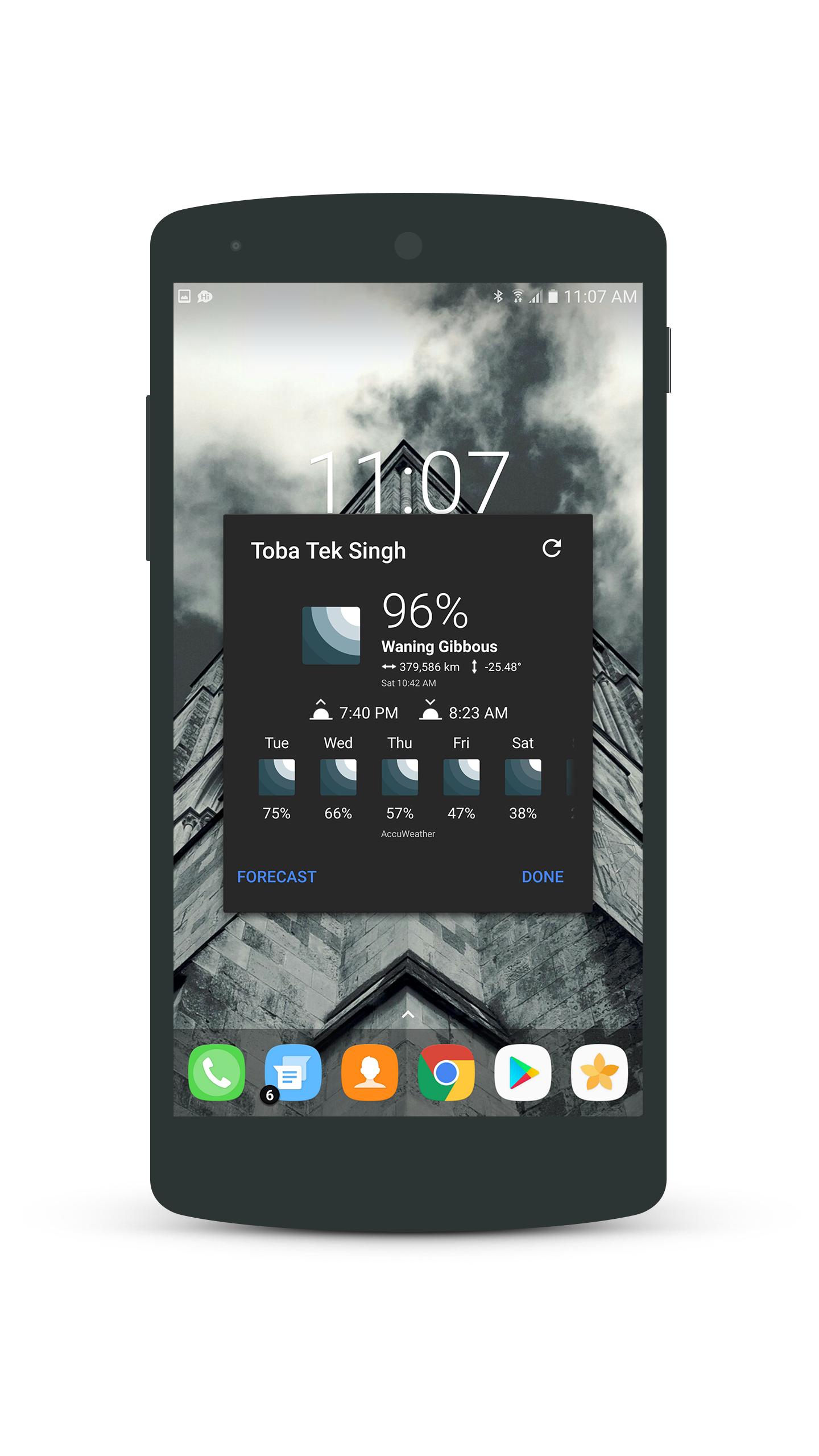
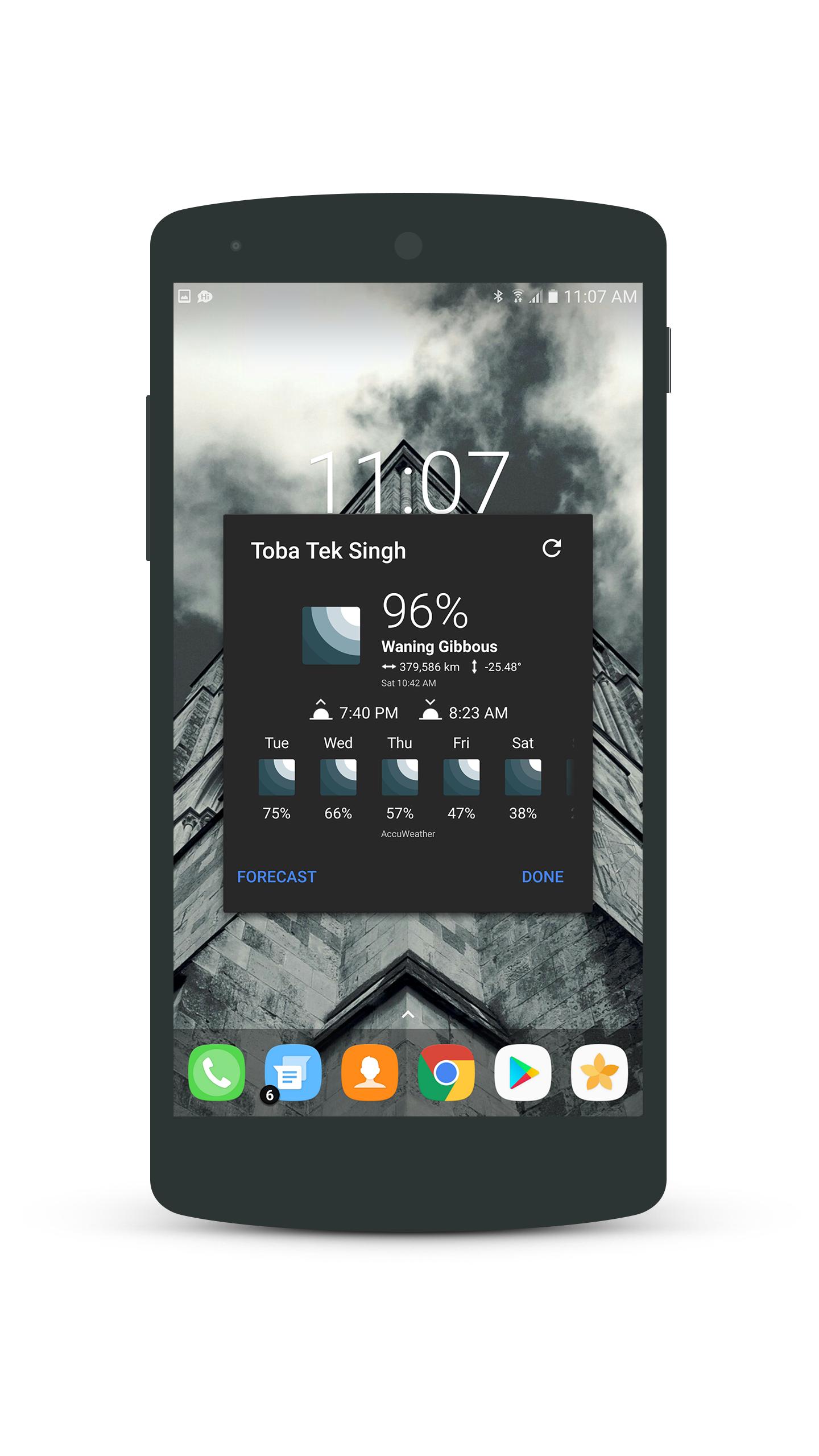
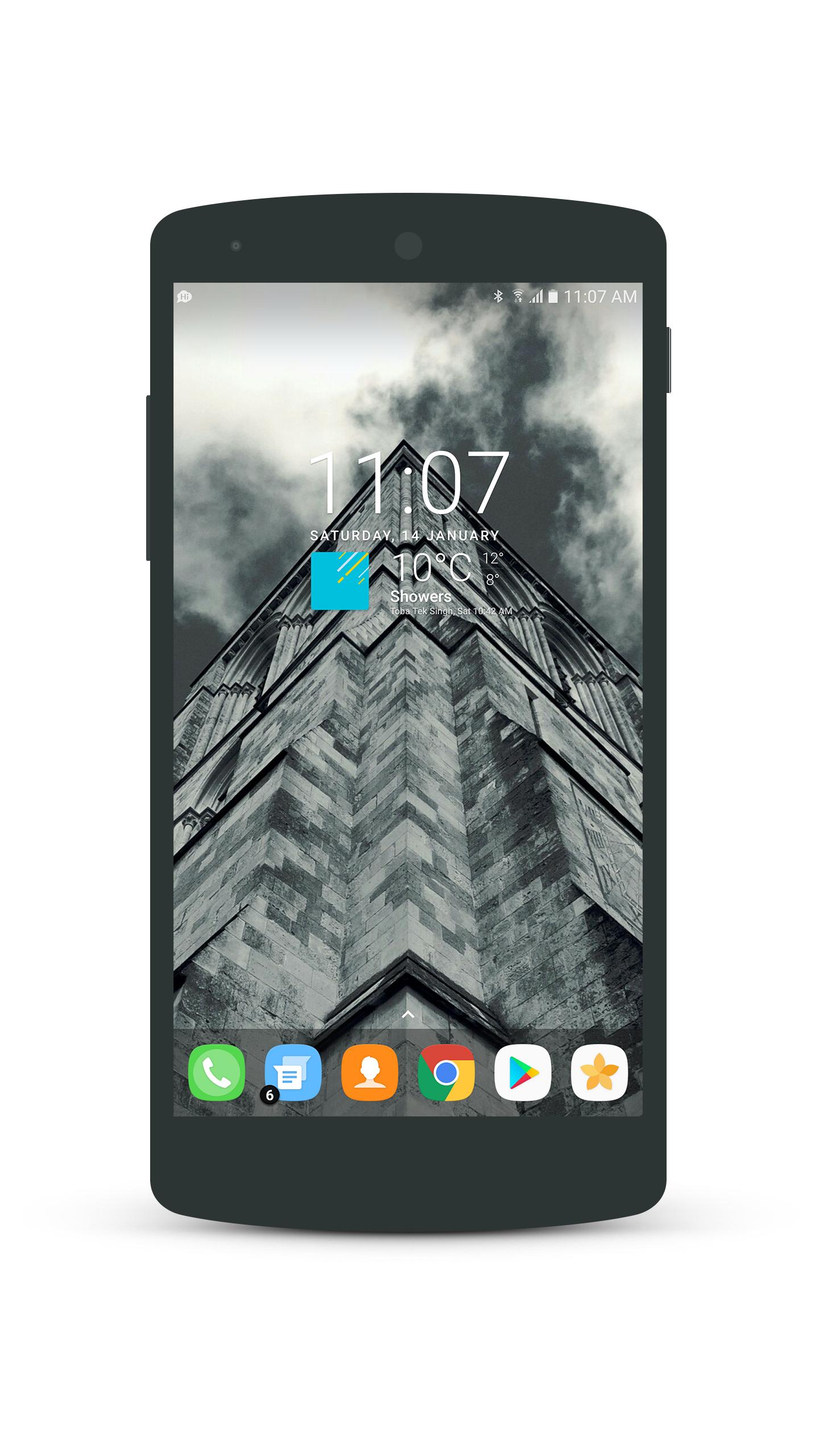
An inspired Weather Icon Set for Chronus.
A beautiful weather pixel icon pack for Chronus widget.
GUIDES BELOW FOR CHRONUS.
1. Place a cLock widget on home screen.
2. In the appearing screen, select Weather Panel.
3. Under the Display section, tap on Icon Set and select H2Light Icons.
For any other help contact:[email protected]
January 22, 2026
January 22, 2026
January 22, 2026

January 22, 2026
January 22, 2026
January 21, 2026
January 21, 2026

January 21, 2026

January 21, 2026

January 20, 2026
 Download APK(2.59MB)